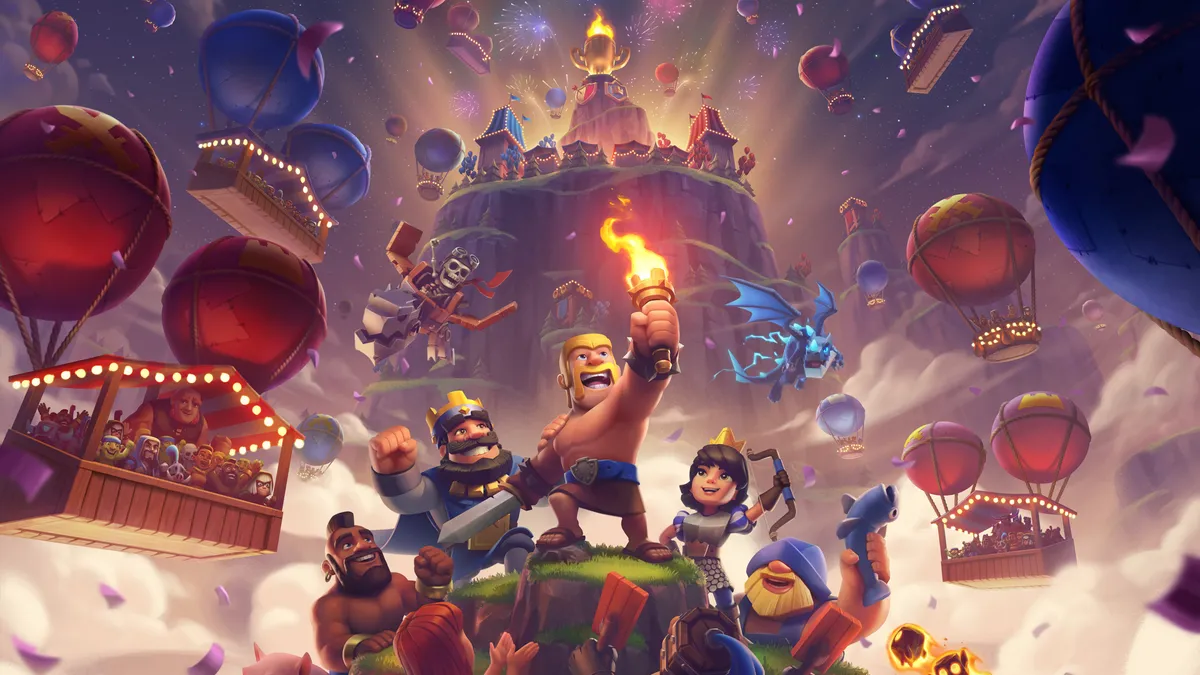
Clash Royale codes are one of the easiest ways to grab free cosmetics — emotes, banners, and even Gold — without spending a dime. Whether you’re a new player looking to customize your profile or a veteran wanting to flex a rare emote in the arena, these codes are worth redeeming before they disappear.
Below, we’ve rounded up every active Clash Royale code for September 2026, including regular Store codes and QR codes, plus how to redeem each type and what to do if a code isn’t working.
Active Clash Royale Codes (September 2026)
As of early September 2026, there are eight active Store codes you can redeem right now:
| Code | Reward |
|---|---|
| HEROVALKYRIE | Valkyrie emote |
| PRINCESSEVO! | Frozen & Fearless banner decoration, Freeze! banner frame |
| MINIONHORDE! | Singing Minion Horde emote |
| ROYALEAFFAIR | Royale Affair Goblin emote |
| FIREANDICE!! | Firestorm banner frame, Ember Escape banner decoration |
| TRUSTYTURRET | Hero Musketeer emote |
| WHENHOGSFLY! | Flying Royal Hogs emote |
| REINABARRIGA | Snoring Dragon banner set |
Codes are case-sensitive, so type them exactly as shown — including any punctuation. These are first-come, first-served and can expire or hit a redemption cap at any time, so claim the ones you want sooner rather than later.
Clash Royale Store Codes
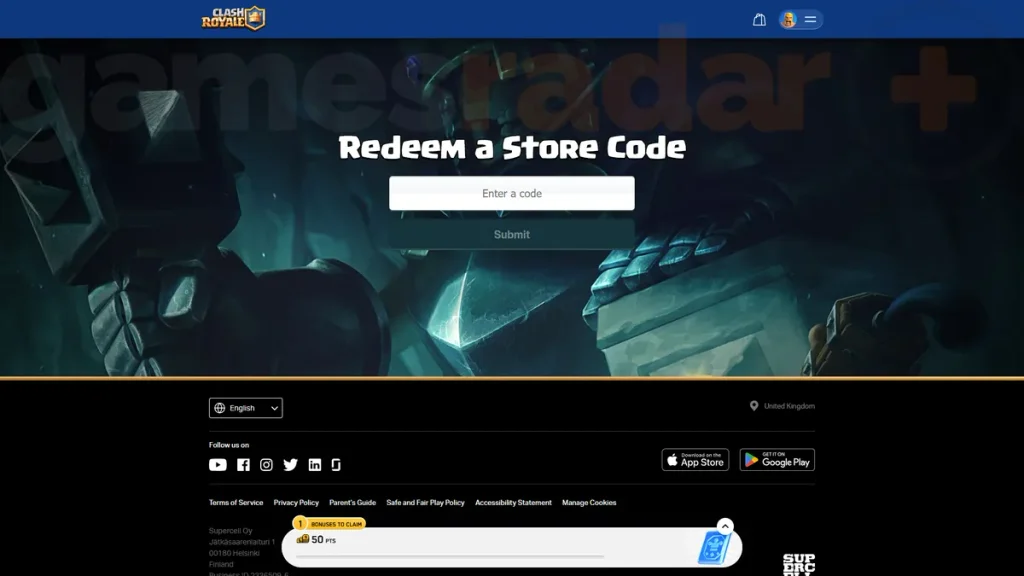
Store codes are the standard type of Clash Royale code. They’re redeemed through the official Supercell Store website rather than in the game client itself, and they typically unlock cosmetic rewards like emotes and banner decorations — occasionally Gold too. Supercell and content creators release these periodically, often tied to in-game events, seasonal updates, or creator promotions.
How to Redeem Clash Royale Store Codes
- Launch Clash Royale and make sure you’re logged into the account you want the reward on.
- Open the Supercell Store website in a browser.
- Log in with the same Supercell ID you use in-game.
- Scroll down and click “Redeem a Store Code.”
- Paste or type in your code exactly as written.
- Hit Submit.
- Reopen Clash Royale — your reward should appear immediately, or the next time you log in.
Clash Royale QR Codes
QR codes work a little differently from Store codes. Instead of typing a string of text, you scan an image with your phone’s camera or QR scanner, and it links directly into the game to grant a reward. QR codes tend to offer a wider mix of items than Store codes — think Gold, Wild Cards, Lucky Chests, and cosmetics like emotes and banners. There are currently 10 active QR codes in circulation, offering rewards that range from a few thousand Gold to full cosmetic bundles and even a Magic Lucky Chest.
How to Use Clash Royale QR Codes
- Find a verified QR code from an official or trusted source (Supercell’s social channels are safest).
- Open your phone’s camera app or a QR scanner.
- Point it at the QR code image and tap the link that pops up.
- Allow it to open in Clash Royale.
- Accept the reward pop-up once the game launches.
Only scan QR codes from sources you trust — official links always route through Supercell’s own domains, and you should be wary of any third-party site asking you to log in before scanning.
Expired Clash Royale Codes
Codes don’t last forever — they’re usually tied to a redemption limit or a specific promotional window. Some of the codes that have recently expired include:
| Code | Reward |
|---|---|
| BLOWTHEMAWAY | Baby Dragon emote |
| ANGRYFURNACE | Angry Furnace emote |
If you try one of these and it doesn’t work, that’s why — they’ve already been retired.
Why Clash Royale Codes Are Not Working
If a code won’t redeem, it’s usually one of these issues:
- The code has expired or hit its redemption limit. Codes are often first-come, first-served, and once they run out, they stop working for everyone.
- A typo or case mismatch. Codes are case-sensitive — double-check capitalization and punctuation (including trailing exclamation points, which are part of several current codes).
- Wrong account or platform. Make sure you’re logged into the same Supercell ID on the Store website that you use in the game.
- Already redeemed. Most codes can only be used once per account.
- Regional restrictions. Some promotional codes are limited to certain countries or app stores.
If none of that explains it, the code may simply be fake or from an unreliable third-party source — always redeem through the official Supercell Store.
How to Find New Clash Royale Codes
New codes tend to surface around game updates, seasonal events, and creator collaborations. To stay on top of them:
- Follow Clash Royale’s official account on X for announcements.
- Join the official Discord and Reddit communities, where players often share codes as soon as they drop.
- Check the in-game “News” section for event-specific promotions.
- Keep an eye on trusted Clash Royale news sites, which typically update their code lists as soon as new ones are confirmed.
Codes and rewards are accurate as of early September 2026 and subject to change — always verify through Supercell’s official Store before redeeming.
Leave a Reply